
-
May 26, 2026

New Minecraft Baby Mobs Are Here
Minecraft fans have something new to discover. Tynker has added in the brand new baby mobs from Minecraft. Tynker’s mob editor lets kids create, customize, and play with adorable baby creatures directly in Minecraft while exploring coding through hands-on gameplay. Kids can: ✓ Explore Minecraft mobs, blocks, items and more✓ Create and modify new baby mobs✓ Build coding and problem-solving […]
0 -
February 17, 2026

What’s New at Tynker
We’ve been hard at work making updates at Tynker, and we’re excited to share what’s new! Here’s a quick look at some of the latest additions and improvements. Weekly Project Updates Each week, a new project is made available to reinforce core coding concepts and spark creativity. Check out the current Weekly Projects below before they’re gone! Winter Mini-Games (NEW!) […]
0 -
October 16, 2023

How We Fine-Tuned Llama 2 for Our Block Coding Copilot
This is the behind-the-scenes journey of creating Tynker Copilot, our groundbreaking innovation designed to help kids learn to code faster. Imagine a world where a simple text prompt transforms into a fully-fledged Tynker program, powered by visual code blocks. Intrigued? Read on to discover how we built it! Here are a few such examples generated by Tynker Copilot. Prompt Response […]
0 -
September 8, 2023
New and Improved! Tynker’s Character Builder
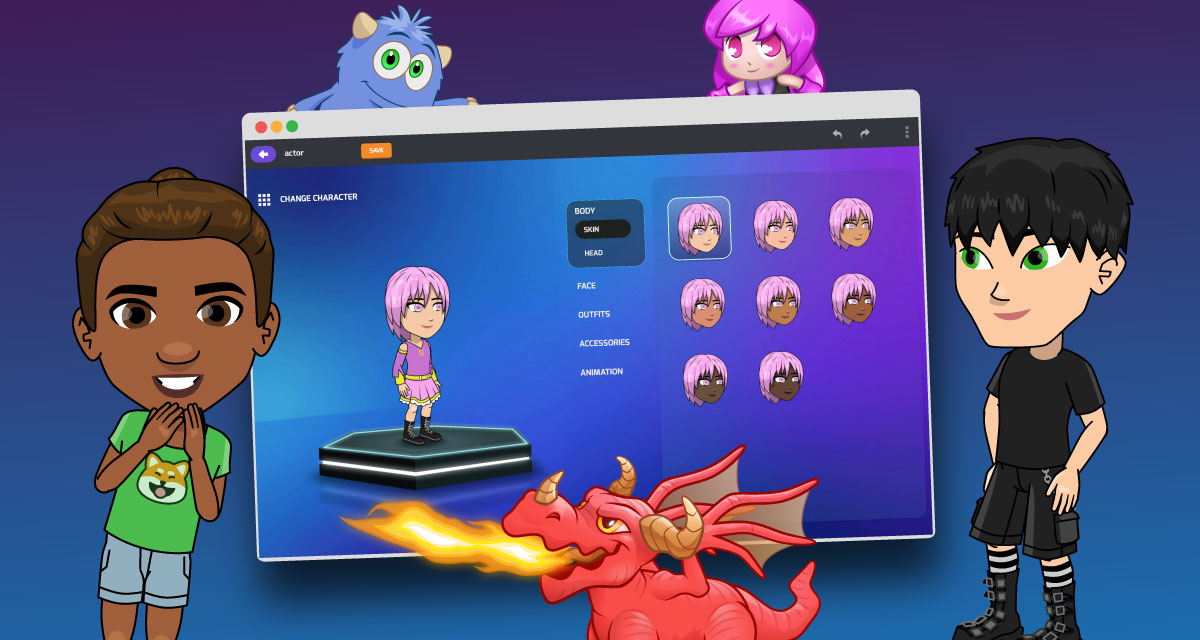
If you’ve been coding with Tynker for a while now, you might have noticed that Tynker has several kinds of actors. Some actors like Codey or the Dragons are created using the Character Builder. You can think of these Character Builder-created actors as rigs that can use common animations, for example: Throw, Run, or Jump. Rigs are in groups, according […]
0 -
July 17, 2023
Tynker Toolbox: The Pen Blocks
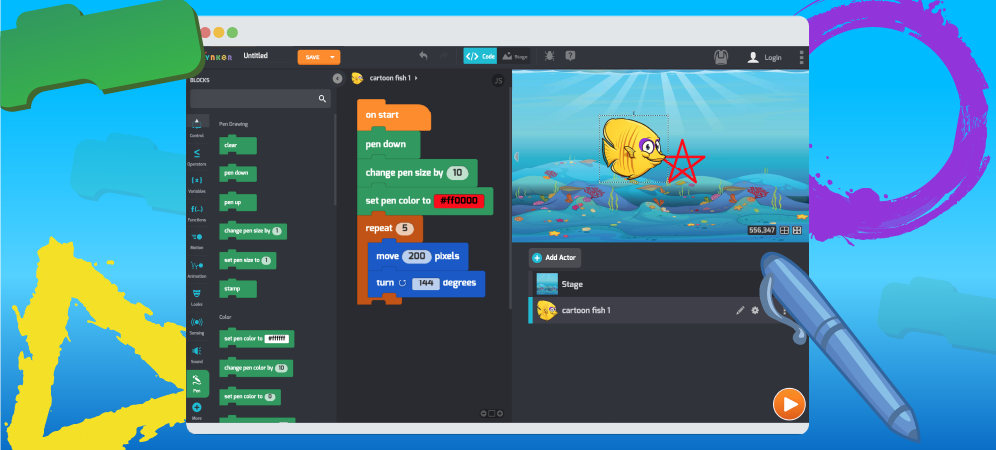
Did you know that you can use Tynker to create colorful, original drawings? This complex, spiraling image was created with just a handful of code blocks using Tynker’s Pen. To use the Pen Blocks, you must enable them first. You’ve got two options. Option #1: Drag any Pen block in your code, and the extension will automatically be enabled! Search for […]
0 -
June 29, 2023
Tynker Toolbox: The Animation Tool
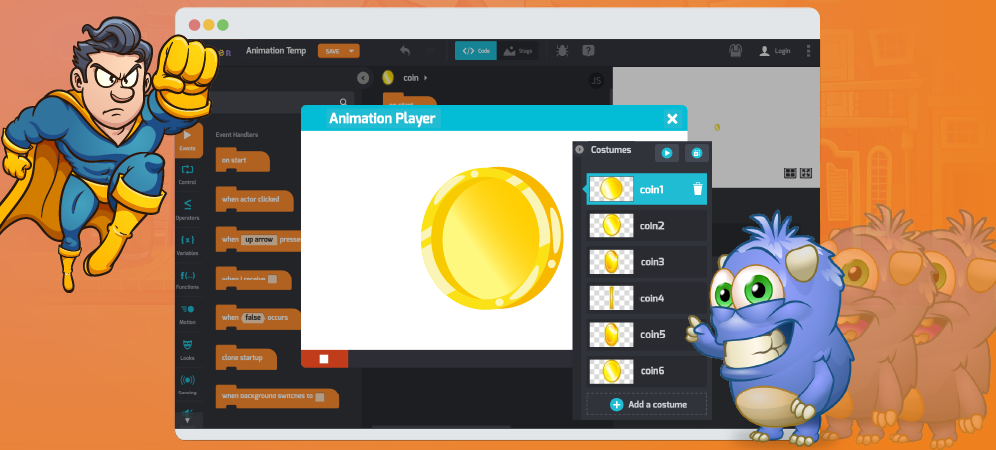
Do you love writing stories and drawing characters with Tynker? Well, now you can make your projects even better by creating your own animated artwork. Animation uses still images called frames to create movement. Here are some frames of a running horse animation: With enough still images, animators can create the illusion of movement by displaying frames quickly, one-after-another: Tynker’s […]
0 -
May 10, 2023

10 Great Ideas To Keep Your Child’s Brain Sharp This Summer—with Code!
School’s almost out but that doesn’t mean kids and teens should stop learning. In fact, this is the perfect time for parents to help them avoid the dreaded Summer Slide—the loss of knowledge over summer break. Students, on average, lose up to 30% of their school-year learning over the summer. Fortunately, this doesn’t have to happen! Children can exercise their […]
0 -
October 20, 2022

Tynker Now Supports ClassLink
You asked, and we listened – Tynker now supports ClassLink rostering and SSO for sign-in! ClassLink gives you a one-stop shop to access all your educational apps and you can now add Tynker to that list.
0 -
September 23, 2022

Announcing: Artificial Intelligence with Tynker
Smart phones, smart cars, smart TVs — did you ever wonder how all this technology got so smart? The answer is AI or Artificial Intelligence. So how can young coders use Artificial Intelligence in their Tynker projects? We’ve been working on that! Tynker is excited to announce an all new block-coding class, exploring Artificial Intelligence in a fun, hands-on way. […]
0
 Coding for Kids > Blog > New Tynker Features


