Hour of Code
Whether your students are beginners or expert coders, there are 50+ fun ways to complete an Hour of Code with Tynker.
Have a teacher account? Log in
Hour of Code - Middle School

Dragon Blast
Code your dragon to blast through obstacles!
Teacher Note: In these 27 coding puzzles, students will learn advanced sequencing, debugging, and other intermediate coding skills.
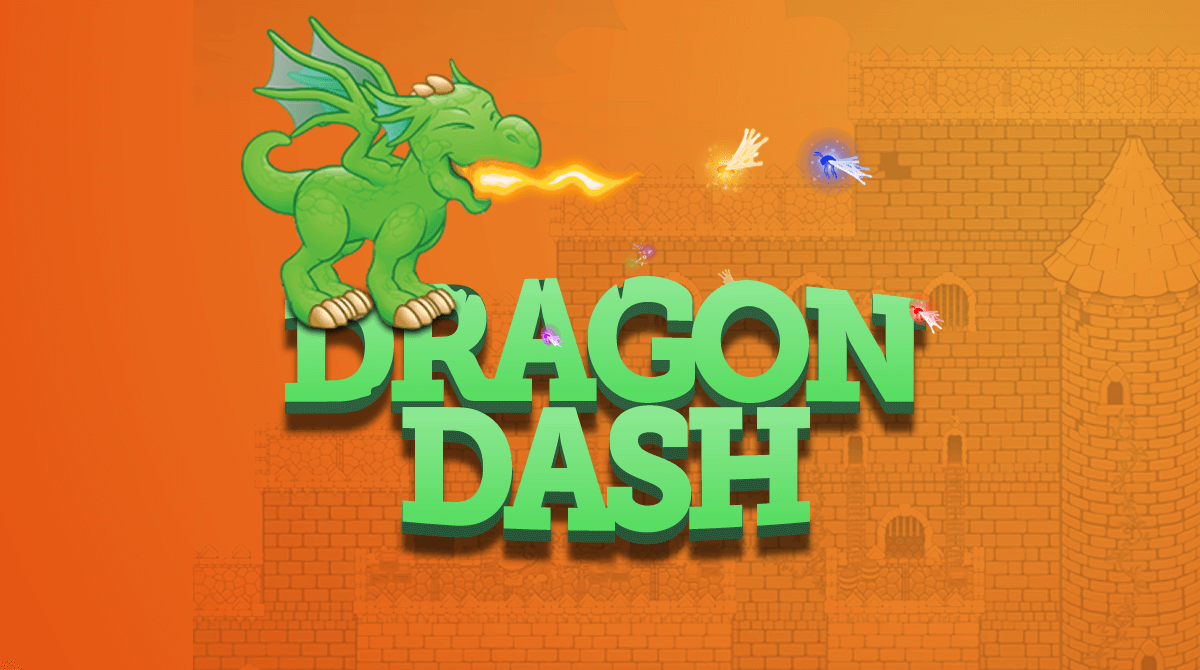
Dragon Dash
Design your dragon and go on an epic quest for treasure while avoiding treacherous foes.
Teacher Note: Students complete a series of levels using basic programming concepts such as sequencing, repetition, conditional logic and counting.
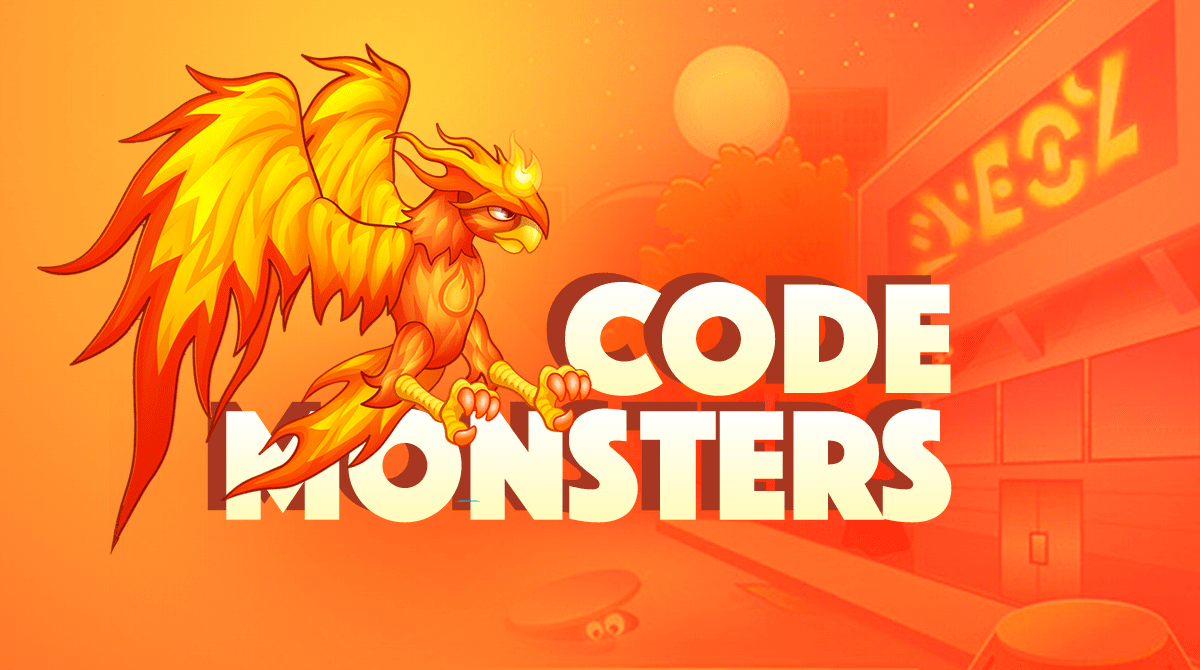
Code Monsters
Collect, train, evolve, and battle your monsters with friends! Whose code will win?
Teacher Note: Students complete a set of 20 puzzles where they program the monsters they've collected.
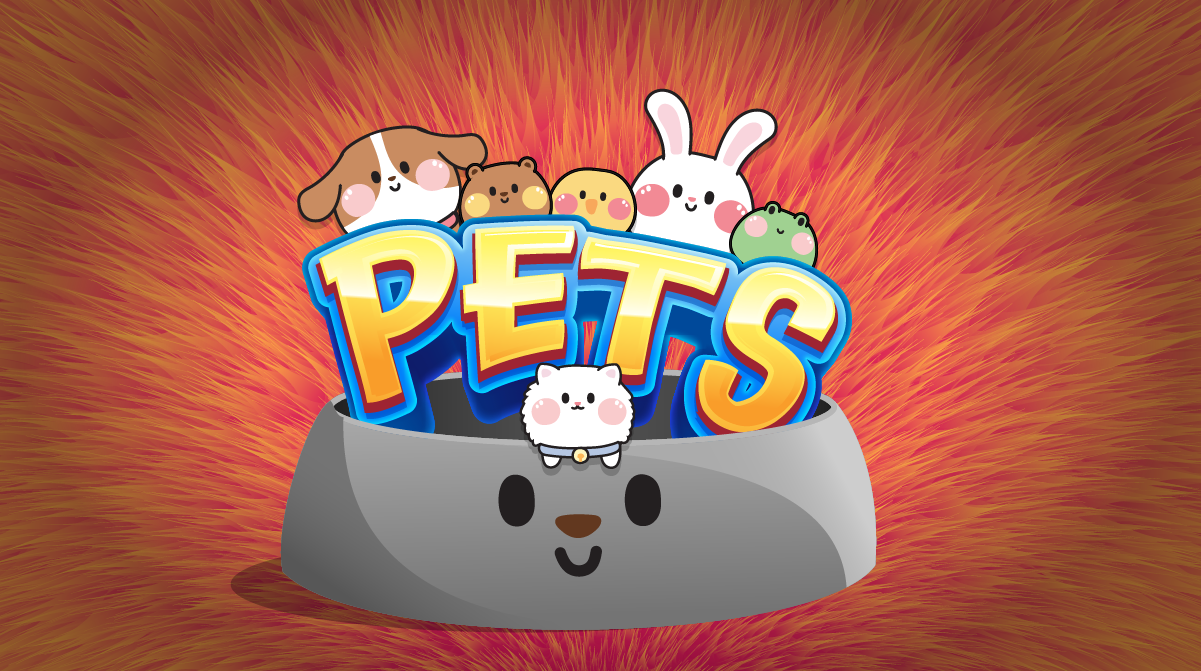
Pets Game
Create a project that shows how you would change the world!
Teacher Note: Students learn the basics that they'll need to create a pet game in Tynker. Encourage them to get creative with a goldfish, a lion, or even a pet tofu with this code game!

Cooking Game
Create an interactive cooking game.
Teacher Note: Students learn the basics that they'll need to create a cooking game in Tynker. When they're done with this project, encourage them to program their own recipes.

Change the World!
Create a project that shows how you would change the world!
Teacher Note: Students will use their coding skills to create a project in Tynker that shows how they would change the world with code. When they're done with this tutorial, encourage them to get creative.

Hot Wheels: Obstacle Course
Code your car to win this high octane racing game as you jump, drift and race with other cars!
Teacher Note: Students solve a set of 20 coding puzzles to navigate a Hot Wheels racecar.

Scavenger Hunt
Code with the ghouls to complete a quest through the halls of Monster High!
Teacher Note: Students solve a set of 20 coding puzzles to guide Monster High characters through a scavenger hunt.

Hot Wheels: Hack the Track
Design your own Hot Wheels obstacle course.
Teacher Note: Students create and publish their own racing track.
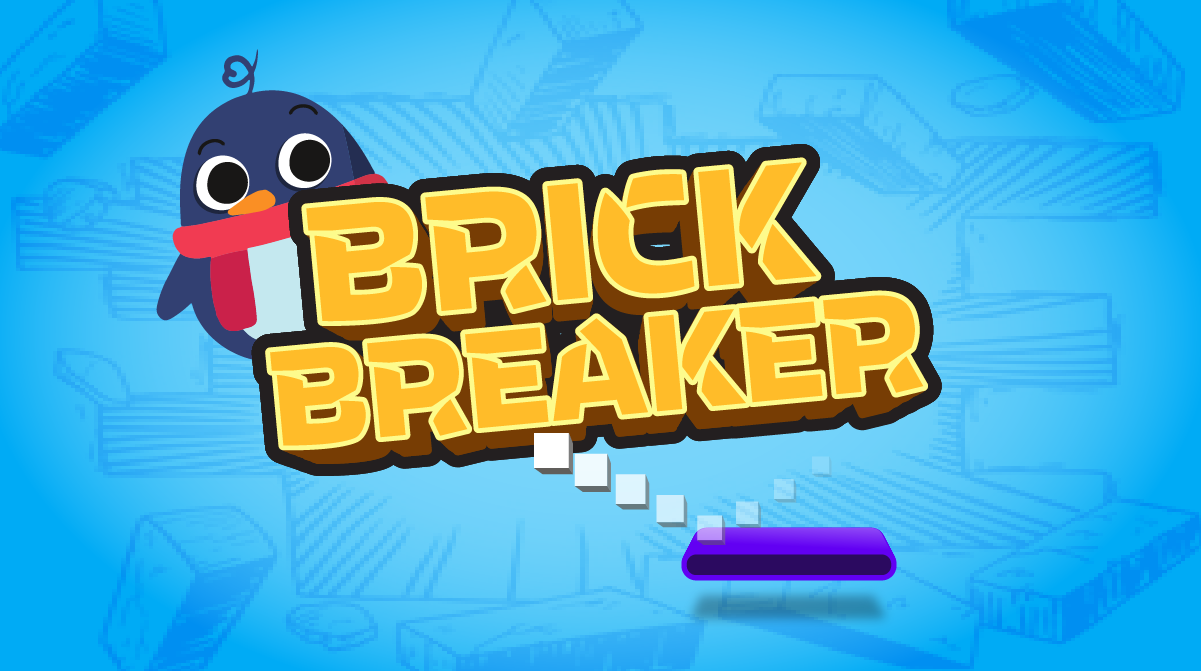
Brick Breaker
Make your own version of this arcade classic.
Teacher Note: Students program keyboard motion using impulses, detect collisions, and program the motion of the ball. They can theme the game and add their own levels.

Monster High: Music Video
Program a music video!
Teacher Note: Students follow step-by-step instructions to create and publish their own music video.

Undersea Arcade
Create a top-down arcade game.
Teacher Note: In this Hour of Code™ tutorial, students learn how to build a top-down arcade game using visual programming blocks.

Ecological Pyramid
Create an interactive ecological pyramid.
Teacher Note: Students follow step-by-step instructions to code an interactive ecological pyramid. They think about how organisms interact within an ecosystem.
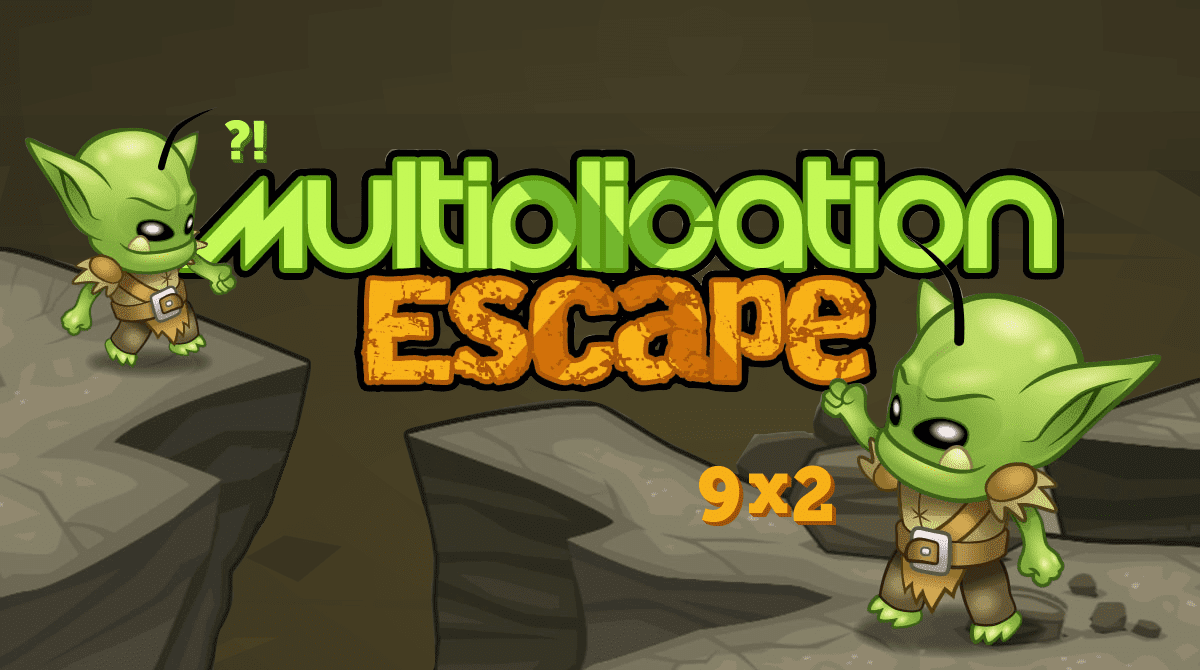
Multiplication Escape
Create a fun math game!
Teacher Note: In this STEM project, students will follow step-by-step instructions to make an escape game. If the user answers a multiplication question correctly, the character moves forward and avoids the boulders. If the user answers incorrectly, it’s game over!

Bill of Rights
Program a quiz about the Bill of Rights!
Teacher Note: In this STEM project, students will create a Social Studies game demonstrating their understanding of the Bill of Rights.
Planning Guide
With Tynker’s game-based approach to learning, it's easy to engage students of all ages, interests, and experience levels.
Tynker uses structured, open-ended activities that allow children to learn and create.
New to Tynker? Create a free account
Add all your students to a class. Students will be able to access the Hour of Code activities from their dashboard.
Tynker teachers – No prep needed
If you already have a Tynker account, you're all set! The Hour of Code activities will automatically show up in your students' dashboards during the event. Encourage your students to log in to their accounts during the Hour of Code week to participate, and spread the word to your fellow teachers!

Sample Sequences
| Grade K-2 | Grade 3-5 | Grade 6+ | |
|---|---|---|---|
|
Beginner Level First-time coders |
Barbie™ Pet Vet Space Quest Peep: Dance with Friends | Barbie™ You Can Be Anything™ Spin Draw Candy Quest | Tell a Joke Scavenger Hunt Monster High: Music Video |
|
Intermediate Level |
Cooking Game Change the World! | Dragon Dash Undersea Arcade Bird Mayhem | Dragon Blast Pattern Maker Crystal Clash |
|
Advanced Level |
Physics Cannon Game Bill of Rights Multiplication Escape | Counter Hack Analog Clock Homophones |
What Students Do
- Solve game-based coding puzzles to learn the basics
- Follow step-by-step tutorials to create drawing, music, animation, storytelling, physics, and arcade game projects
- Save and publish their creations
- Download the free Tynker App to create and run projects on tablets
What Students Learn
- Use critical thinking and problem-solving skills to complete puzzles
- Learn programming concepts such as sequencing, repetition, and conditional logic
- Apply programming concepts to create games, stories, and art
- Build projects they're proud to share with family and friends
- Learn that programming is neither difficult nor boring – it's a powerful tool they can use to bring their imagination to life!
Tips for Coding Success
- Pick a sequence of activities based on interests, grade level, and experience
- Create a portfolio of games, art, music, comics, greetings, and more
- Explore other students' creation and discover what they can do
- Don't stop! Continue solving puzzles and building apps from home
Fun Ideas for an Exciting Event
- Plan a Family Hour of Code Showcase! Invite parents, community leaders, and school administrators to see your students' great work.
- Post printouts of kids’ custom characters on a bulletin board
- Have a classroom challenge! Showcase your students' best creations.
- For experienced students – pick a theme and ask students to create lessons for each other using Tutorial Designer.
What Kids are Saying


Frequently Asked Questions
-
What is the Hour of Code™?
The Hour of Code™ is a global movement designed to introduce students of all ages to computer science and programming. It consists of one-hour tutorials that are accessible to beginners and aim to demonstrate that anyone can learn to code.
-
Who can participate in the Hour of Code?
Anyone can participate in the Hour of Code, including students, teachers, parents, and individuals of all ages. Tutorials are available for various age groups and skill levels, from young children to adults.
-
Do I need any prior coding experience to join the Hour of Code?
No prior coding experience is necessary to participate in the Hour of Code. The tutorials are designed to be beginner-friendly and are suitable for people who have never coded before.
-
How can I organize a Tynker Hour of Code event at my school or community center?
To organize an Hour of Code event, visit Tynker's Hour of Code page and explore the resources available for educators and organizers. You can find lesson plans and step-by-step guides to help you set up a successful event.
-
What resources are available for teachers and parents to support Tynker Hour of Code?
Tynker Hour of Code offers teachers and parents various resources, including a Teacher Planning Guide, lesson plans, activity guides, and community forums. These resources are designed to help educators and parents facilitate coding sessions and encourage children to learn computer science.
-
What devices do I need to participate?
Each Hour of Code™ student needs a desktop, laptop, or Chromebook with an internet connection and an up-to-date browser. No downloads are required. Students can work in pairs on the same device if not enough devices are available.
-
How do I set up a classroom?
If you’re a Tynker teacher, you may have already completed this step – nice work! For those who still need to get set up: take 2 minutes to create a Tynker account and add a classroom for your students. We provide all the scaffolded content, so your work is done! Once you’re signed in, visit "MY CLASSES" inside your dashboard to get started with Hour of Code™ games.
-
How do I set up student rosters?
You can set up your student rosters with Clever, Google Accounts, or Tynker Accounts. If you use Clever, read this post to set up your classes. If you use Google Accounts, watch this quick setup video. To create Tynker Accounts for your classes, this quick video walks you through the process.
-
How do I add students to my classroom?
Once you set up a classroom, you can add students and assign programming puzzle game lessons through your teacher dashboard. You can import students to a single classroom, add them to multiple classrooms, manually create individual Tynker accounts, or have your students add themselves using a class code.
-
What do I get in my Tynker teacher dashboard?
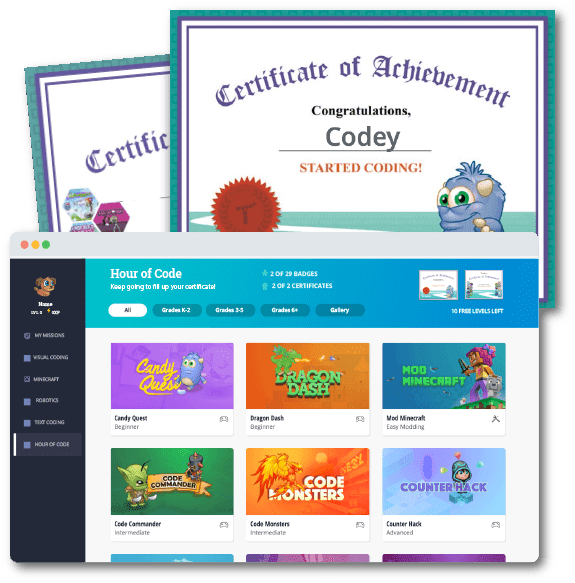
Your teacher dashboard is where you can access all your teacher guides, answer keys, student metrics, and certificates. You can see just how much your students are coding and even help them if they get stuck! You can print out personalized achievement certificates for each student at the end of an Hour of Code.