Coding Elective Art Meets Code
This visual arts and technology course introduces students to creative coding. Using JavaScript and p5.js code, students draw on a digital canvas, create Snapchat-style photo filters, and much much more. Take inspiration from famous artists like Picasso, Mondrian, and Monet, then recreate visual artwork in the same style — with code!
 Beginner Level
 Code at Your Own Pace
 59 Lessons
 304 Activities
 Earn Certificate
 100% Online
What's Inside!
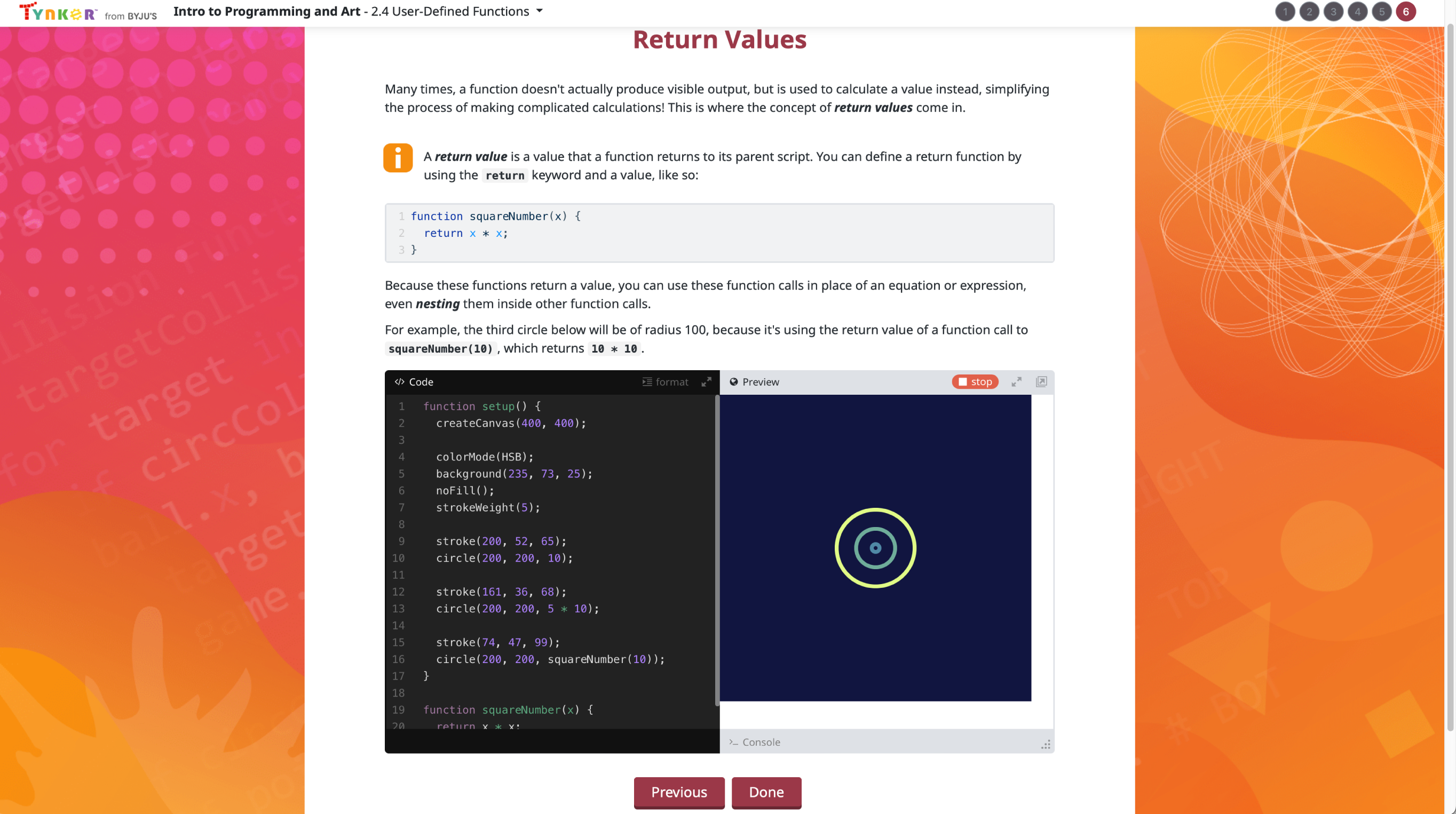
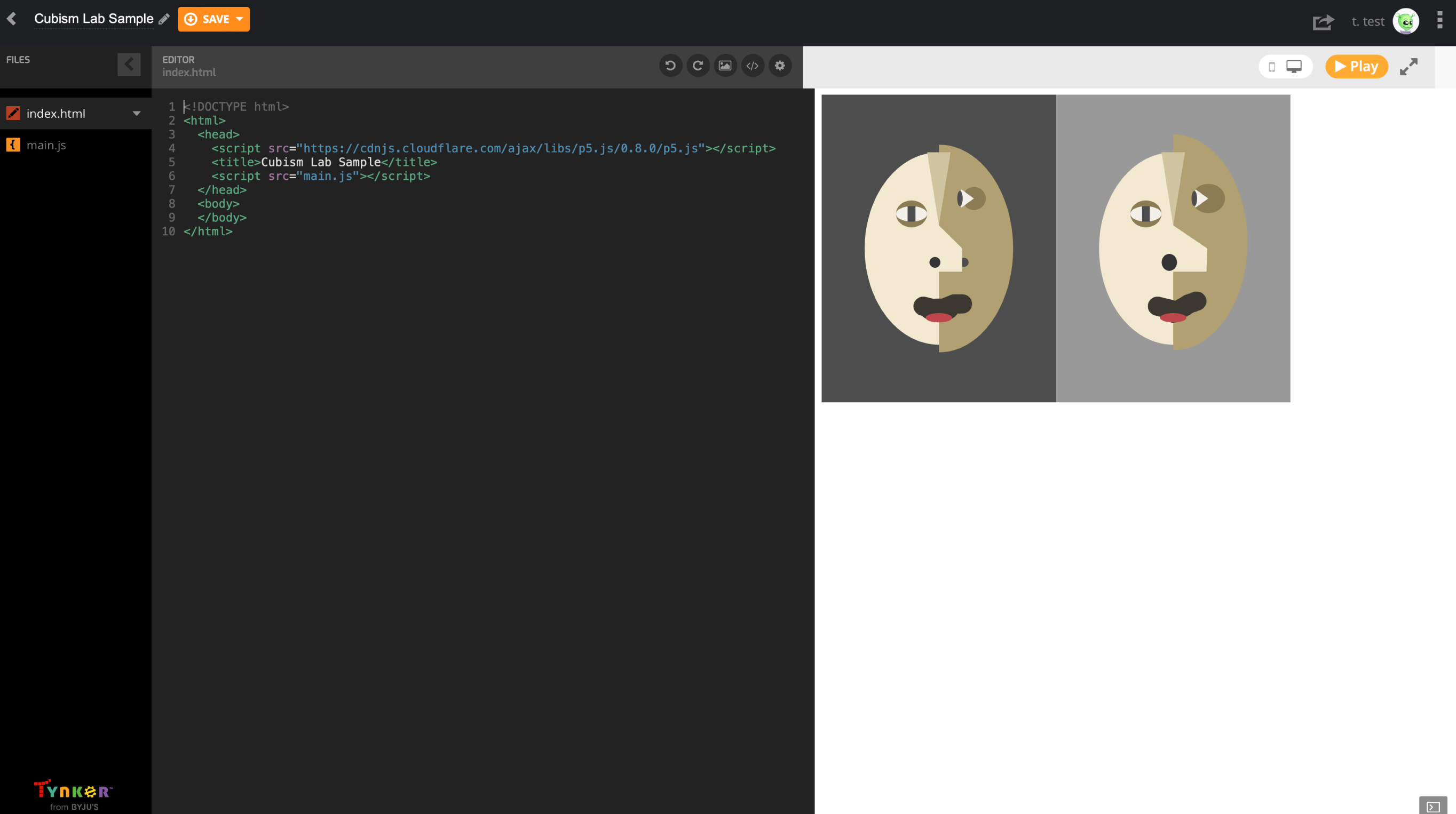
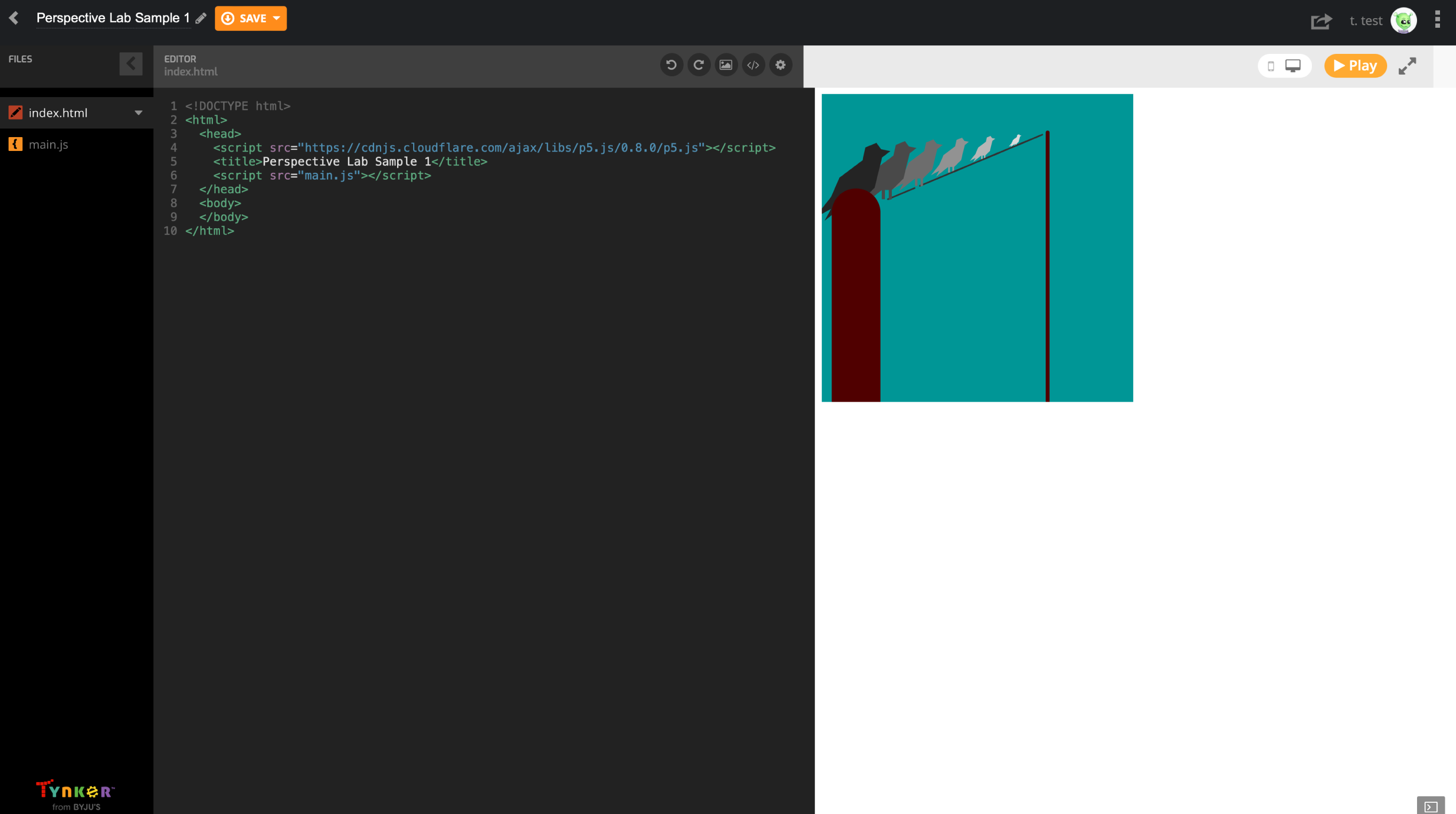
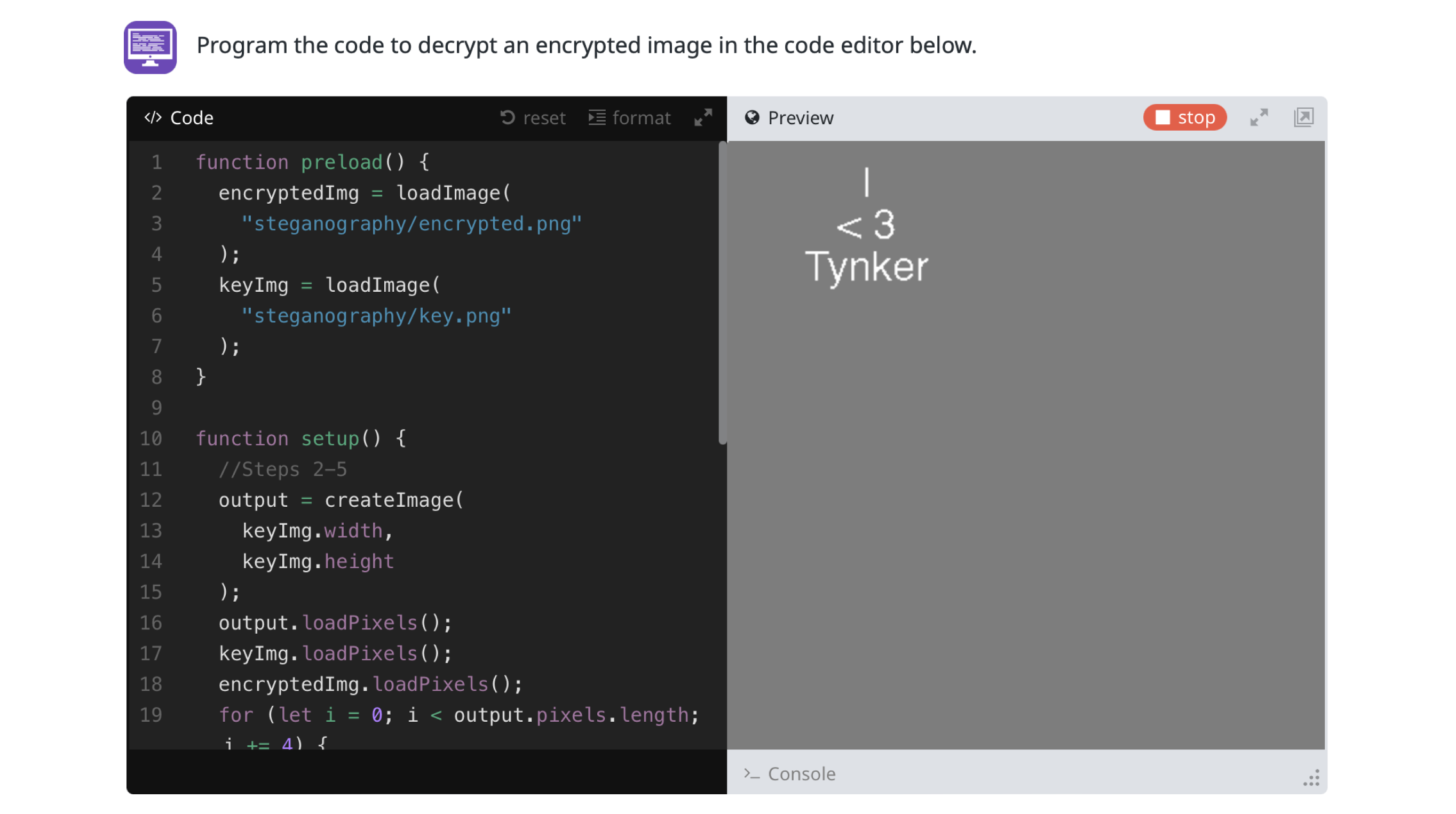
Get started with text-coding in a fun, interactive notebook. Experiment with code as you read! Your work is automatically saved as you progress. Playable sample visual art projects and interactive explanations will help you get the big picture, right away.



What You'll Learn:
- Dive deep into p5.js, an arts and visual library to help visual artists code.
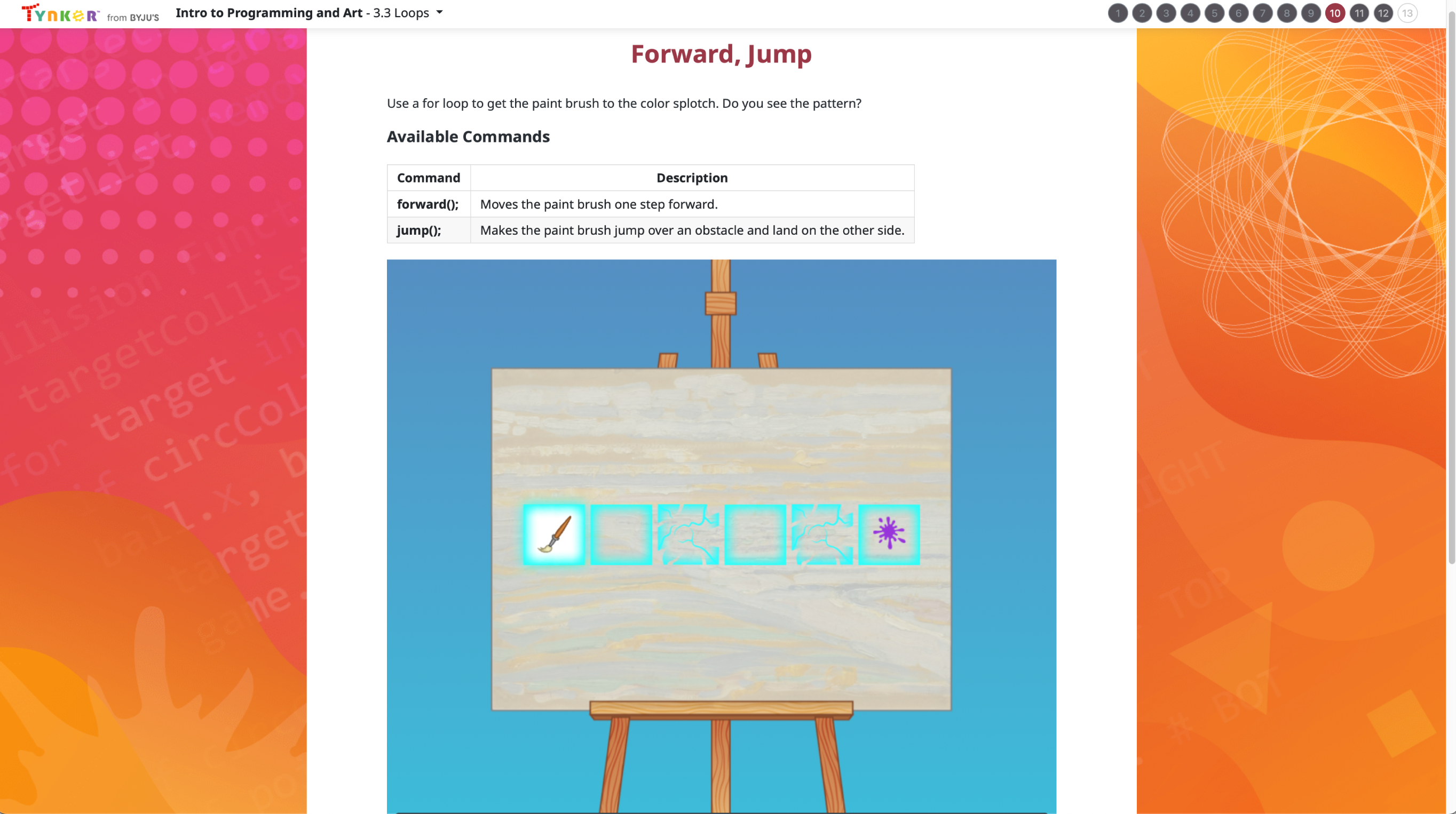
- Explore loops and variables, to help you master when, where, and how to paint the canvas.
- Use visual art technology to manipulate existing images and make cool photo filters and more.
- Create animations and make games.
- Design original visual art in the style of the old masters, like Monet, Raphael, Picasso, and Seurat.
Prerequisites: None (Basic algebra and geometry is recommended)
Recommended for Ages 12+

How It Works:

Start a Course
From your student dashboard, select EXPLORE and search for Processing I. Inside, you’ll find:
- An interactive visual artwork textbook, with hundreds of embedded challenges and exercises to try
- Interactive, educational widgets explaining ideas like color models, gradients, and coordinates in a fun, hands-on way
- Dozens of creative visual art technology coding labs will have you inventing your own original artwork, and iterating it to digital perfection
- Assessments and quizzes make sure you understand key concepts and syntax

Completing Lessons
All Tynker visual art lessons are self-guided. As you advance through each course, your work is automatically saved, and you can restart wherever you left off. You’ll unlock badges and achievements, too, as you make progress, and a certificate for each course you complete.